
WebSockets is not running
Main problems
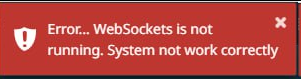
if you see message like this you need to check websocket service.
If you are using Grusher on different IPs, add this in .env (working from build_350)
APP_USED_MULTI_ADDRESS = 1Else
- Check what in .env
This is the main problemAPP_URL=http://YOUR_IP(DOMAIN)/ - Check what scheduler is running
- Check what scheduler is running from root
- Check firewall (port 8080 must be open)
- Check what you URL and in APP_URL (.env) is same
- Check nano config/grusher_modules.php
- Uncoment and change web_socket_url to your URL
- Check web_socket_port
- If you are using SSL (https) - Installing SSL (LetsEncrypt or other)
Error 413
The HTTP 413 Content Too Large client error response status code indicates that the request entity was larger than limits defined by server. The server might close the connection or return a Retry-After header field.
If you have Error 413 just increase value $maxSize = 4096 to 8192 or more
sudo nano /var/www/html/plugins/gviabcua/websockets/vendor/cboden/ratchet/src/Ratchet/Http/HttpRequestParser.phpand restart websocket service
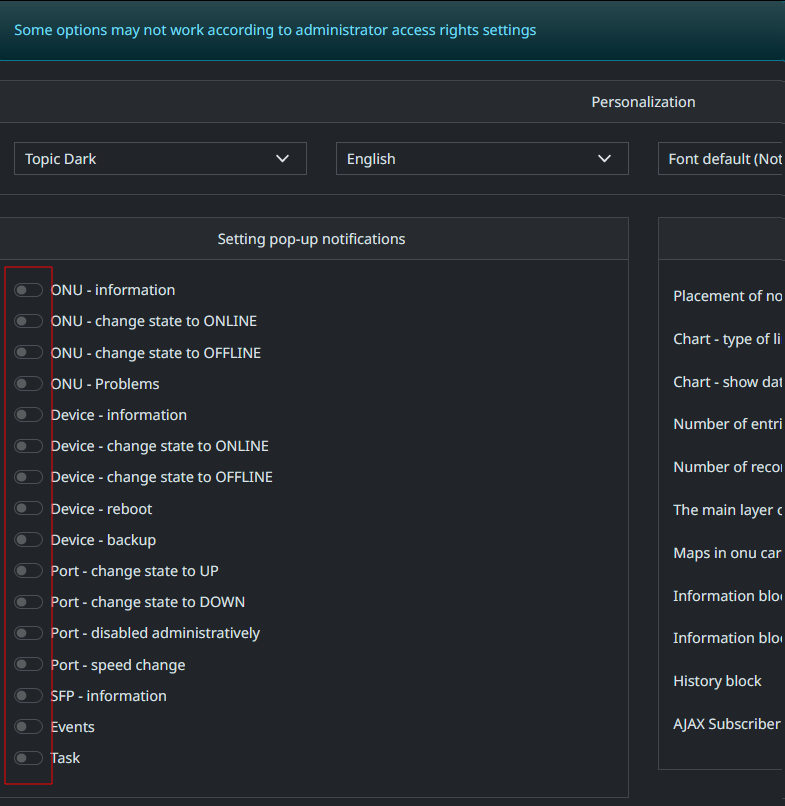
sudo kill -9 $(pgrep -f websockets:run)Enable messages in profile
No comments to display
No comments to display