
Device backup
Configuring server
Before use you need to install and configure FTP (proftpd recomended) and TFTP (tftpd recomended) server.
We DO NOT recomend to use vsftpd!
# installing proftpd server
sudo apt-get install proftpd
# enabling and starting proftpd server
sudo systemctl start proftpd
sudo systemctl enable proftpd

# installing tftp server
sudo apt install tftpd-hpa
# enabling and starting tftp server (variant 1)
sudo systemctl start tftpd
sudo systemctl enable tftpd
# I same case previous commands can be broken. Use next one
# enabling and starting tftp server (variant 2)
sudo systemctl start tftpd-hpa
sudo systemctl enable tftpd-hpaThe root folder of both servers must be the same!
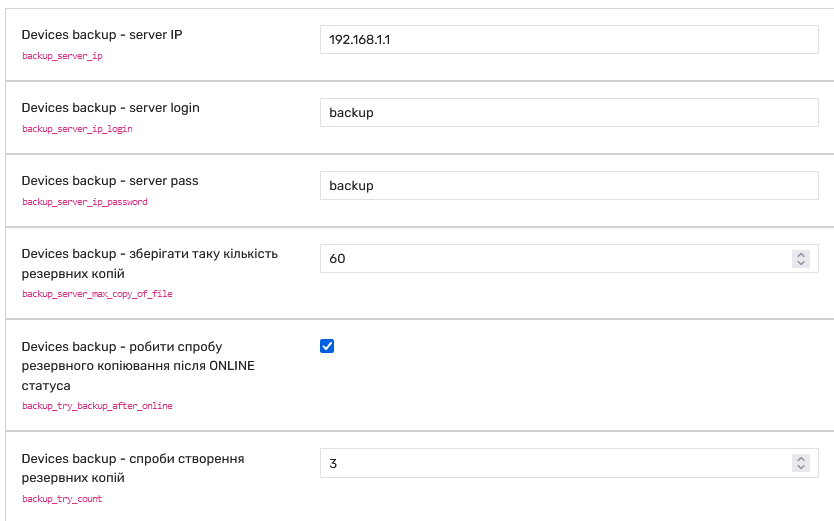
Next step set up backup server ip, login and password in Grusher settings. Do backup
Default TFTPD config
sudo nano /etc/default/tftpd-hpa
TFTP_USERNAME="tftp"
TFTP_DIRECTORY="/home/backup/backup"
TFTP_ADDRESS="0.0.0.0:69"
TFTP_OPTIONS="--secure --create"
If you are using /home directory do next:
sudo systemctl edit tftpd-hpa.serviceAnd insert
[Service]
ProtectHome=false
ReadWritePaths=/home/backup/backup
Reload daemon and service
sudo systemctl daemon-reload
sudo systemctl restart tftpd-hpa
Default ProFTPD config
# Use this to jail all users in their homes
DefaultRoot /home/backup/backup
Fix for Ubuntu 26.04 (if backup is not working)
sudo find /etc/apparmor.d/ -iname "*proftpd*"Edit proftpd ot other file showed after find
sudo nano /etc/apparmor.d/proftpdAdd the permissions for the required operations for your directory tree, for example:
/home/backup/backup/** rwk,* rwk - read, write, lock; rename requires permissions on the file itself and on the parent directory with w
Then reload the profile:
sudo apparmor_parser -r /etc/apparmor.d/proftpdSetup in web
Write correct IP, login and passwords
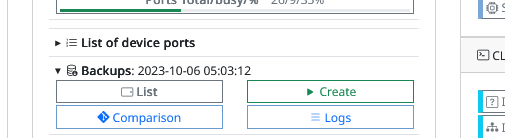
Main information about date of backup
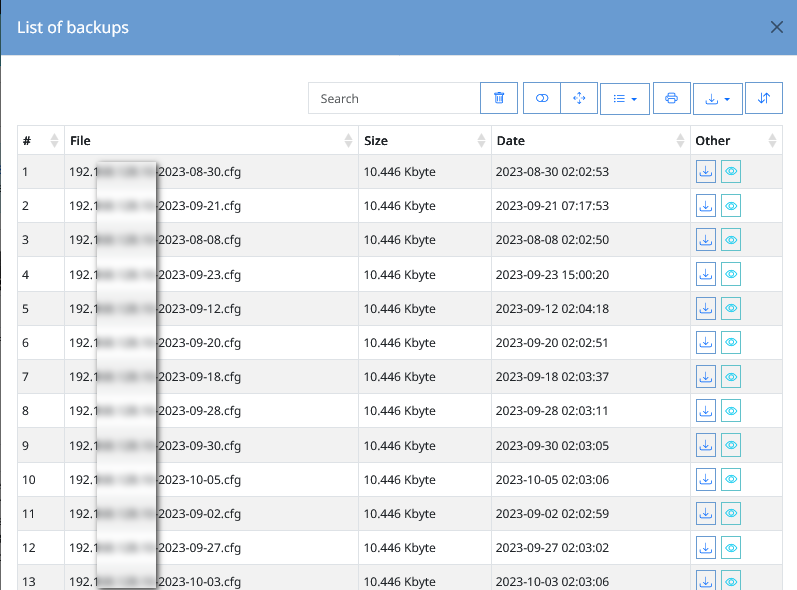
View backup list
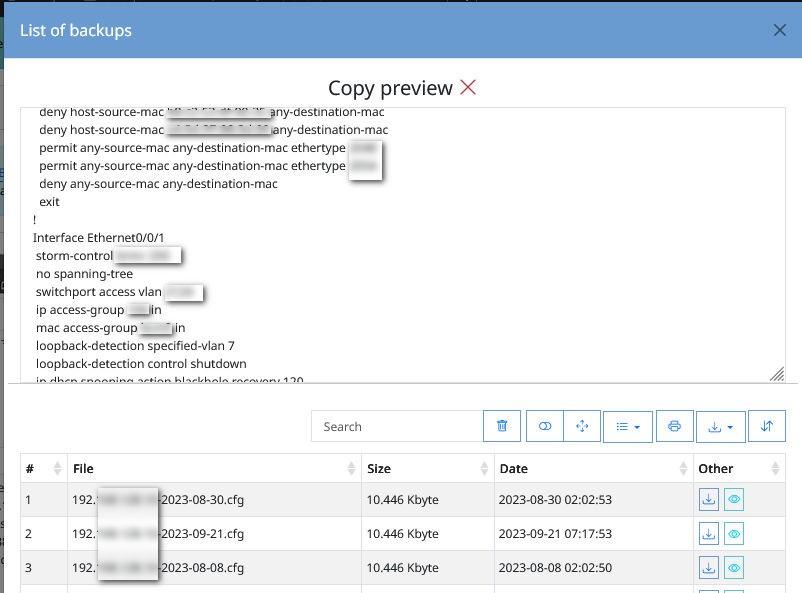
Backup preview
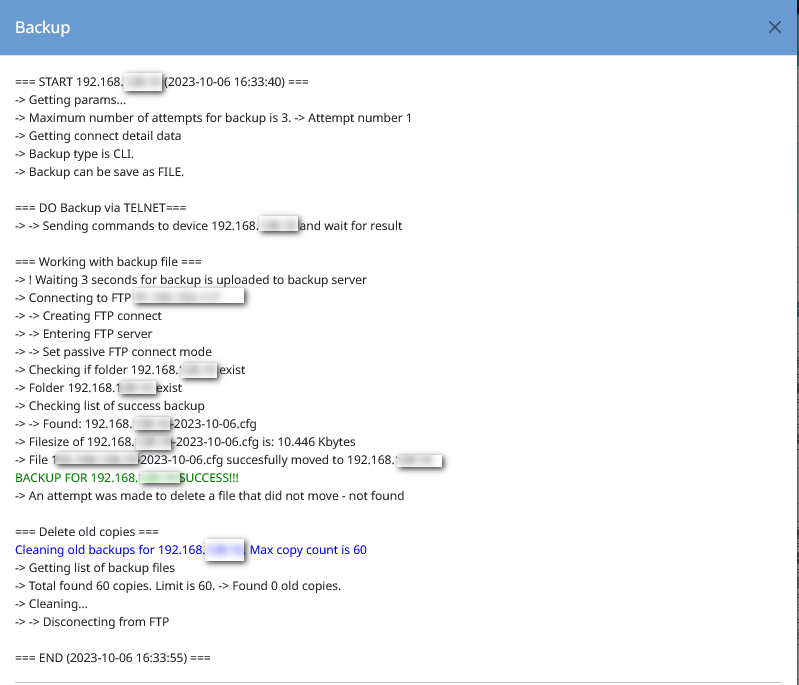
Log - creating backup
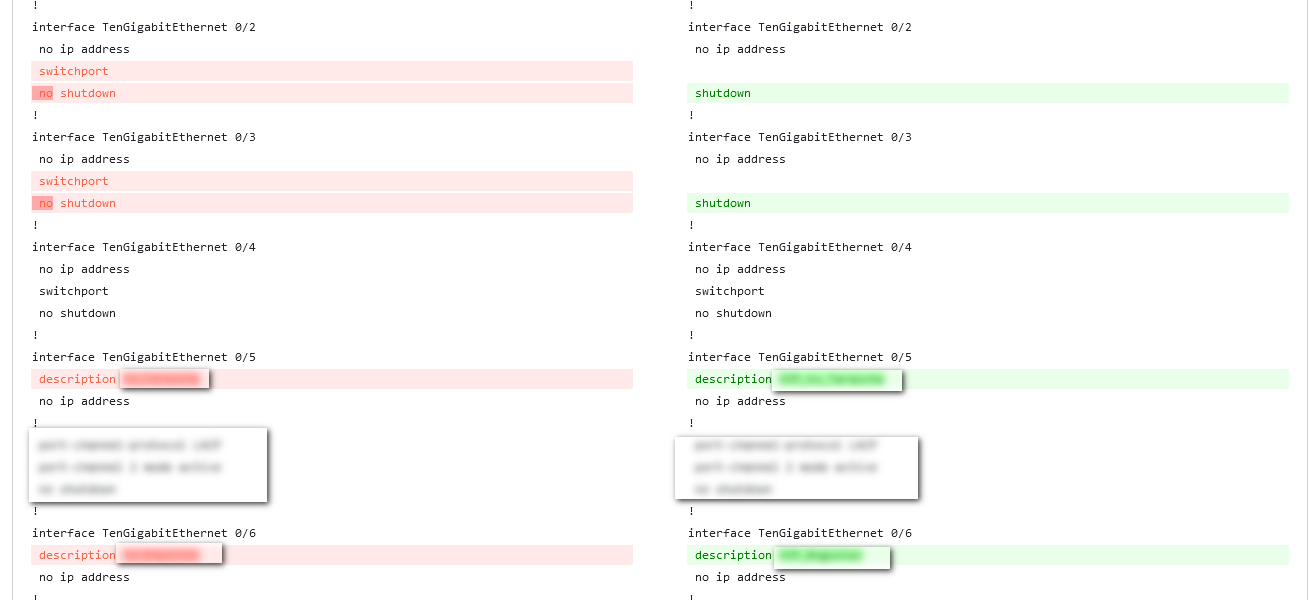
Diff backup files by one device
No comments to display
No comments to display