
3rd party modules
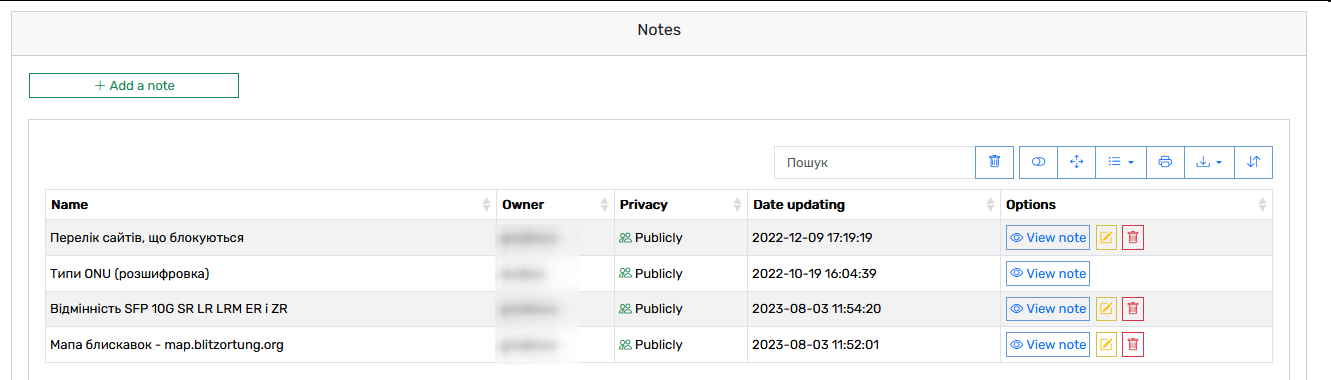
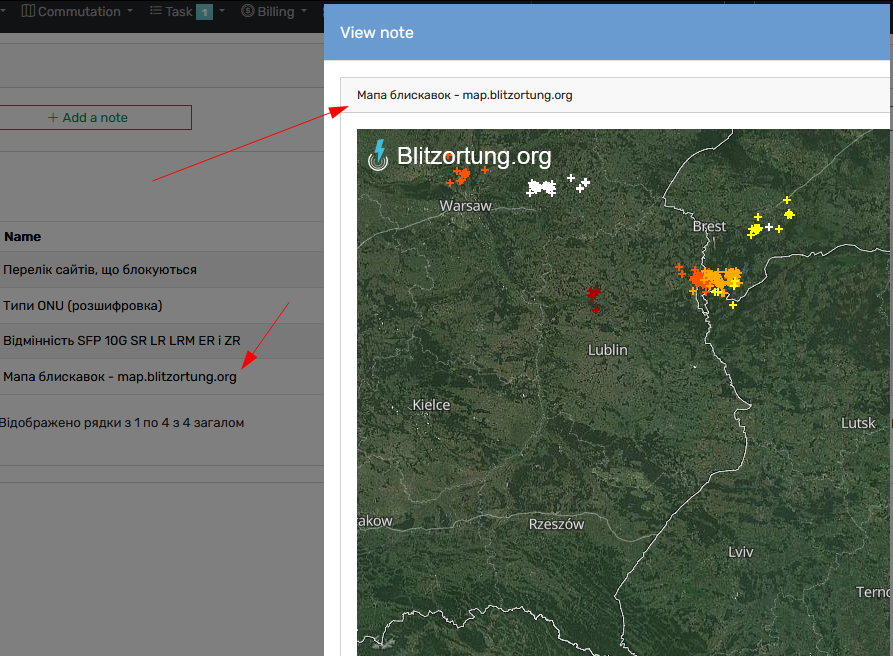
Notes
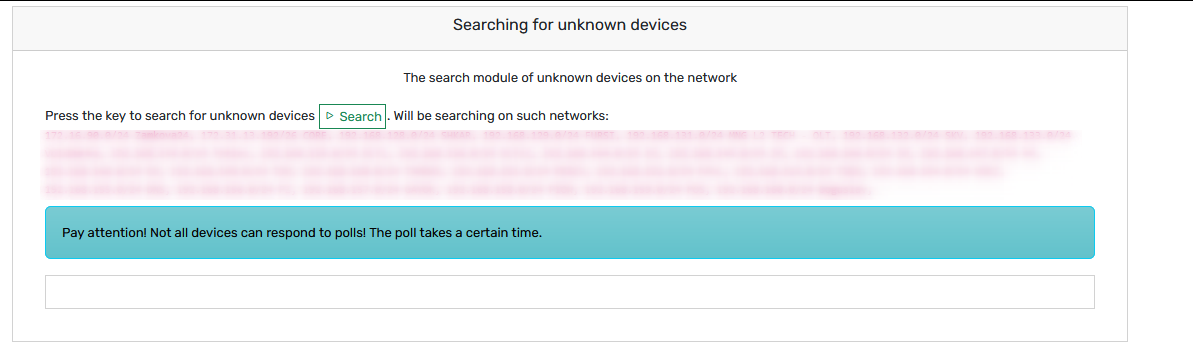
Searching for unknown devices
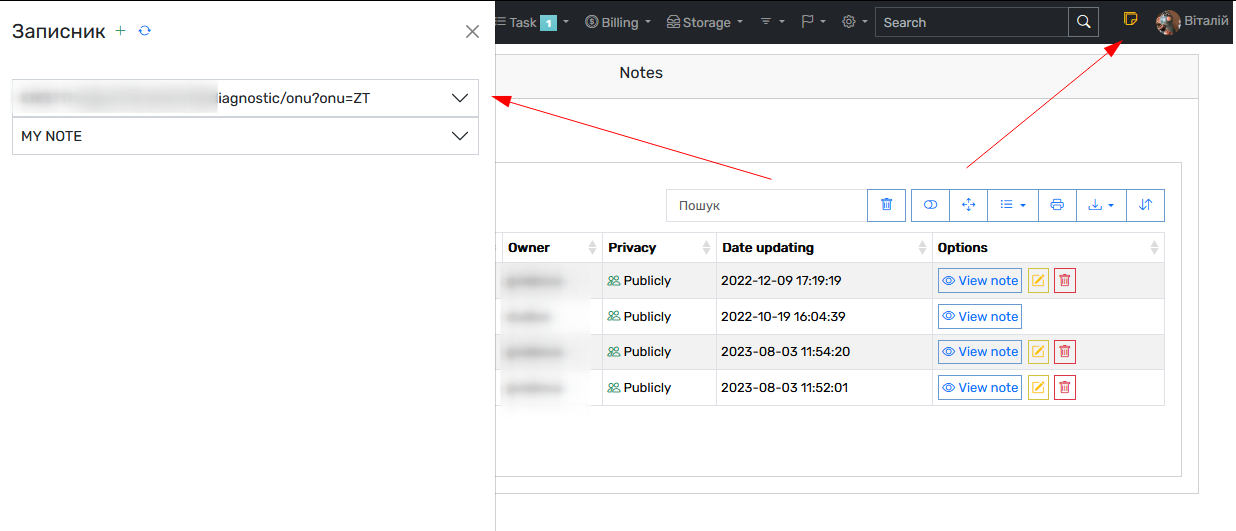
Sticky notes
SYSLOG
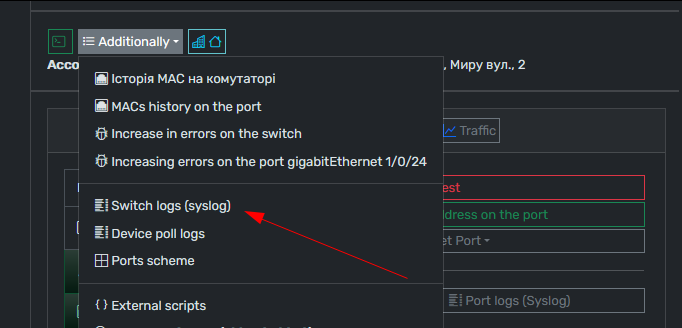
Grusher support getting information from LOG server (Like SYSLOG and other)
To enable support go to LOG section on Grusher (IP/system/config?option_type=search_param&search_data=log_server) and set up connection data and files that will be searched for your request

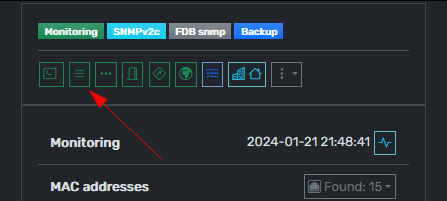
And then you can find button in device card or port or ONU card
Tools
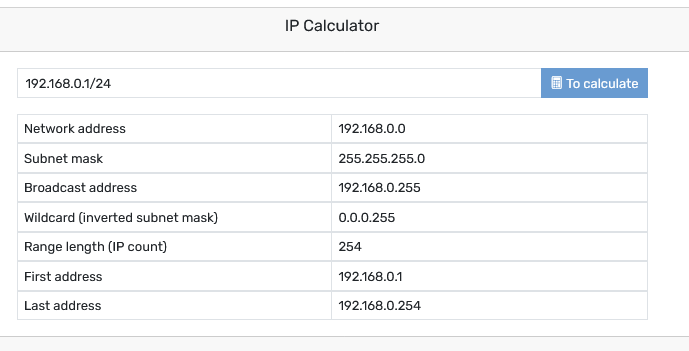
IP Calculator
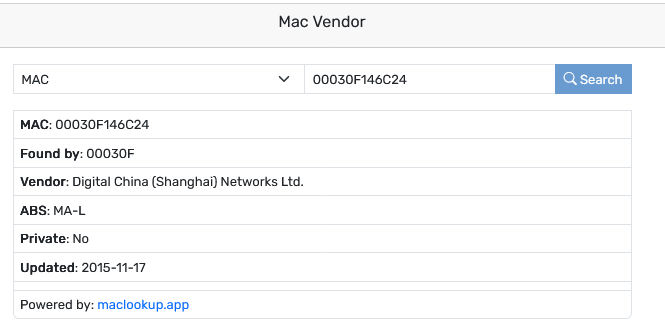
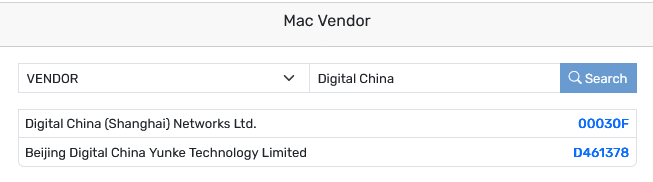
Mac Vendor
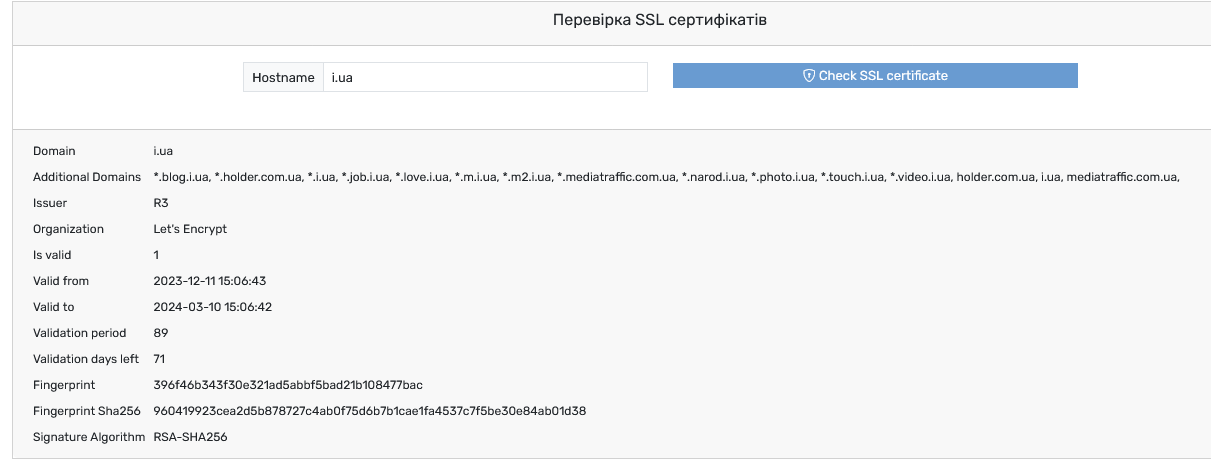
SSL checker
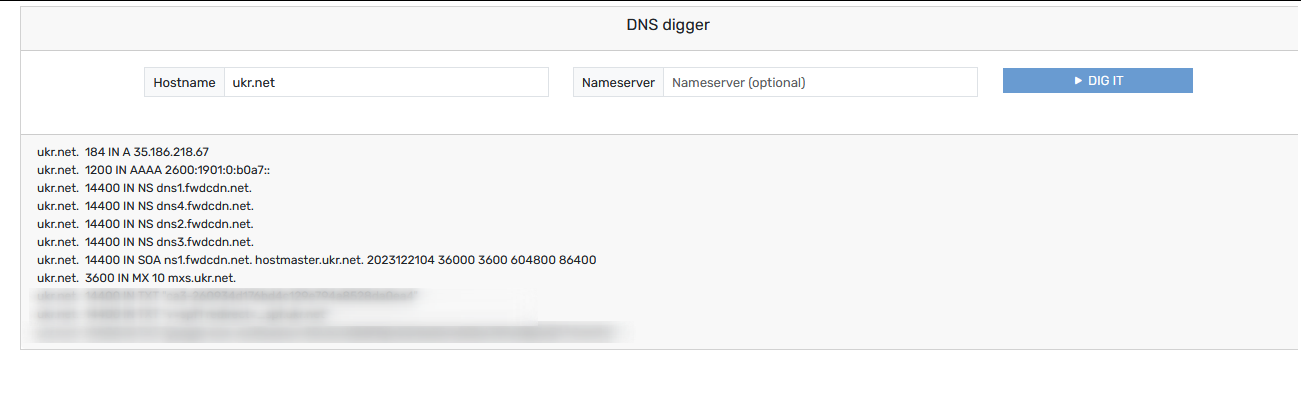
DNS digger
Traceroute

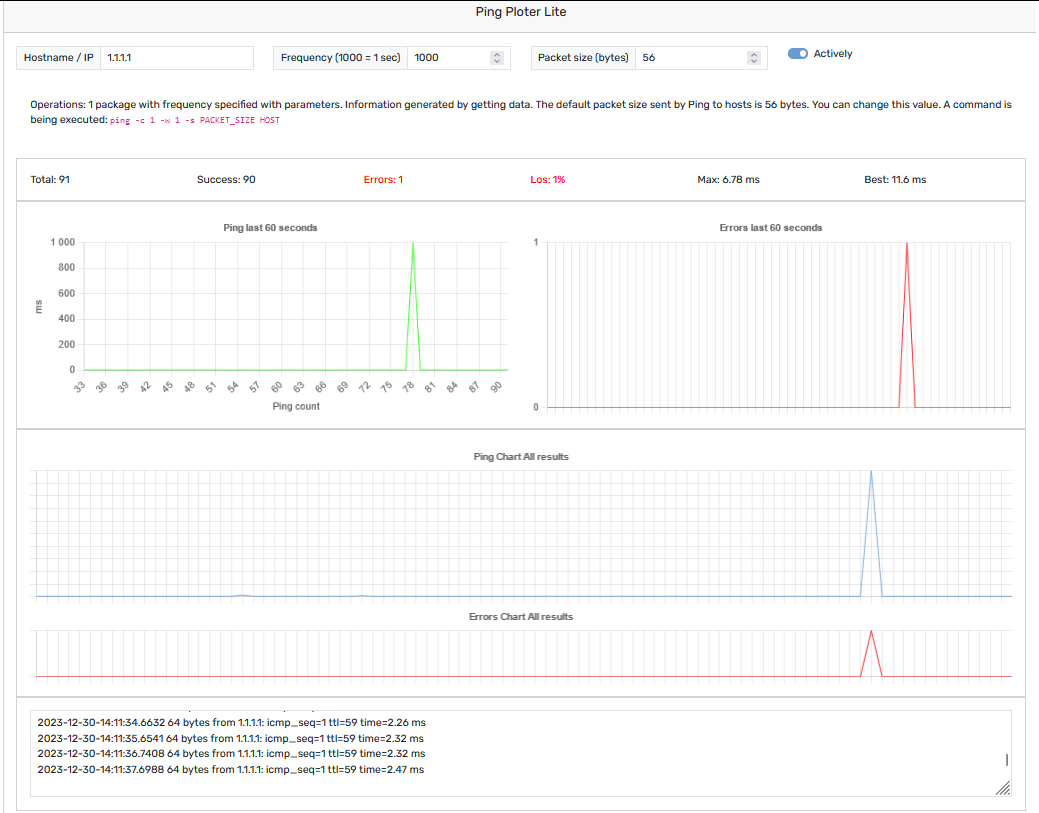
Ping ploter
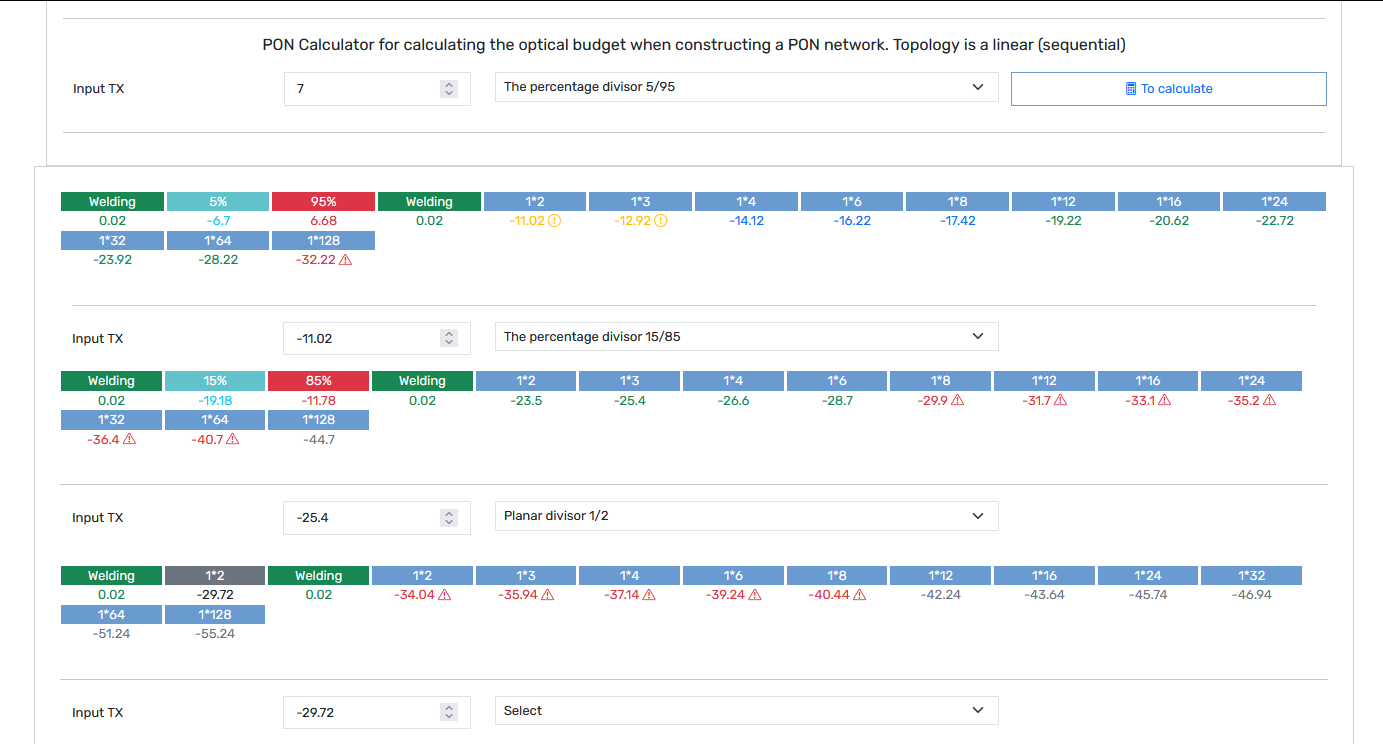
PON Calculator
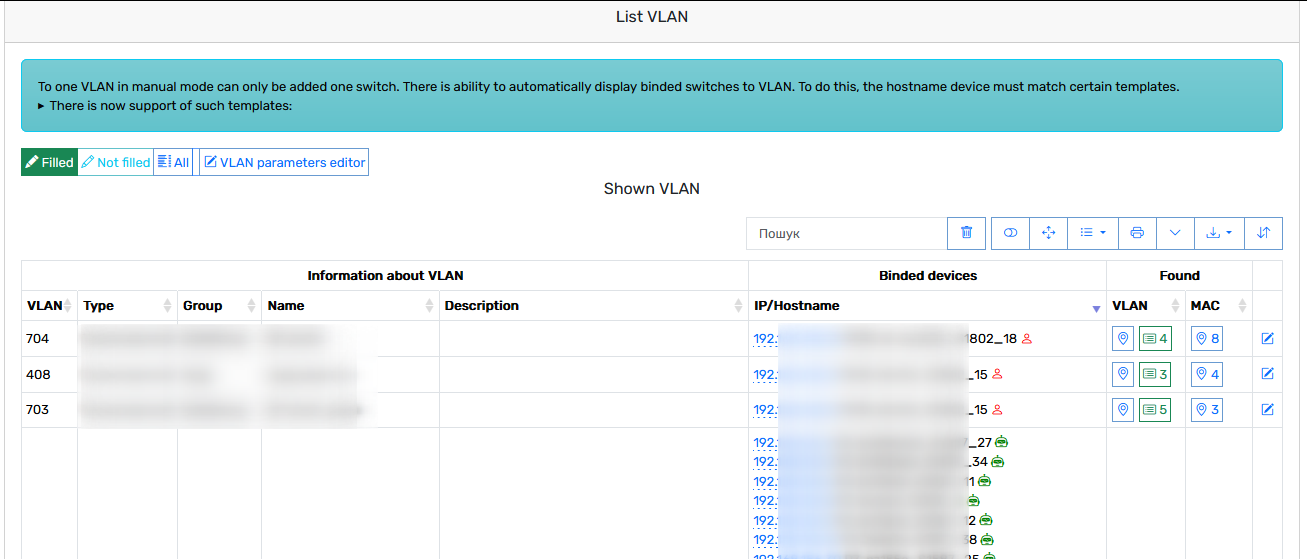
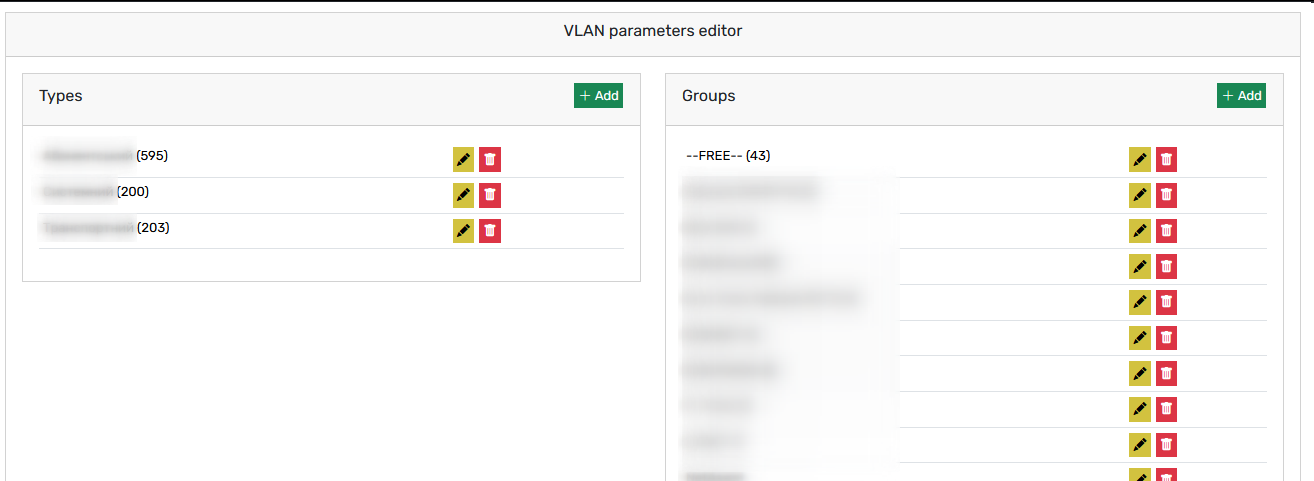
VLANs
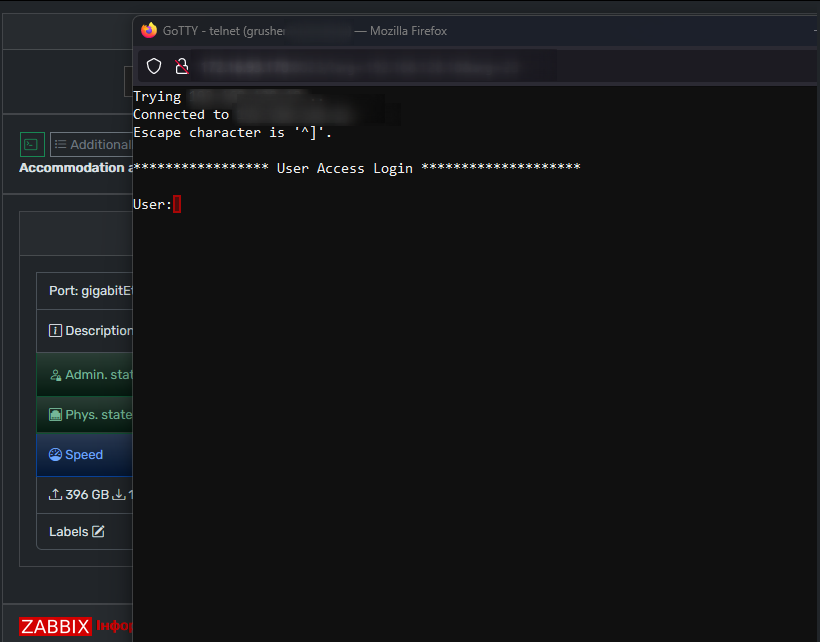
Web Terminal (Gotty)
You can use web terminal to manage device via telnet by pressing
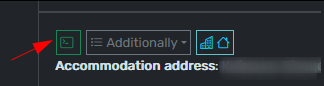
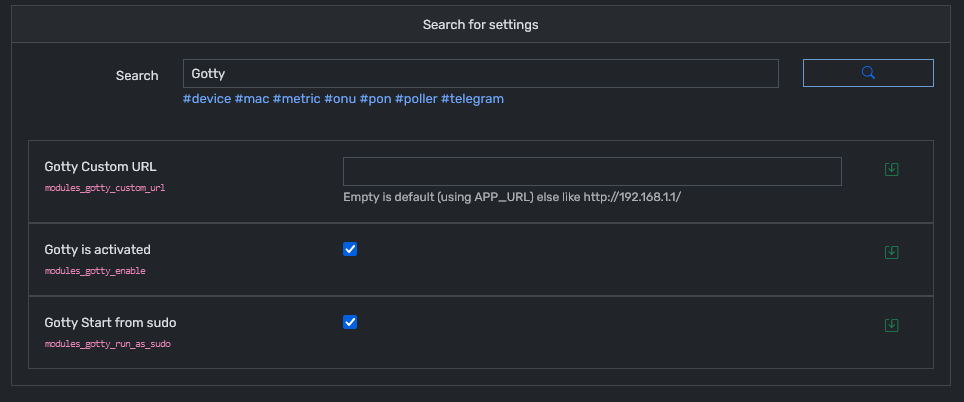
Before use you nedd to configure GOTTY Module (IP/system/config?option_type=search_param&search_data=gotty)
Read security and troubleshooting
Zabbix module
Grusher support Zabbix data integration (active tgiggers and port load)
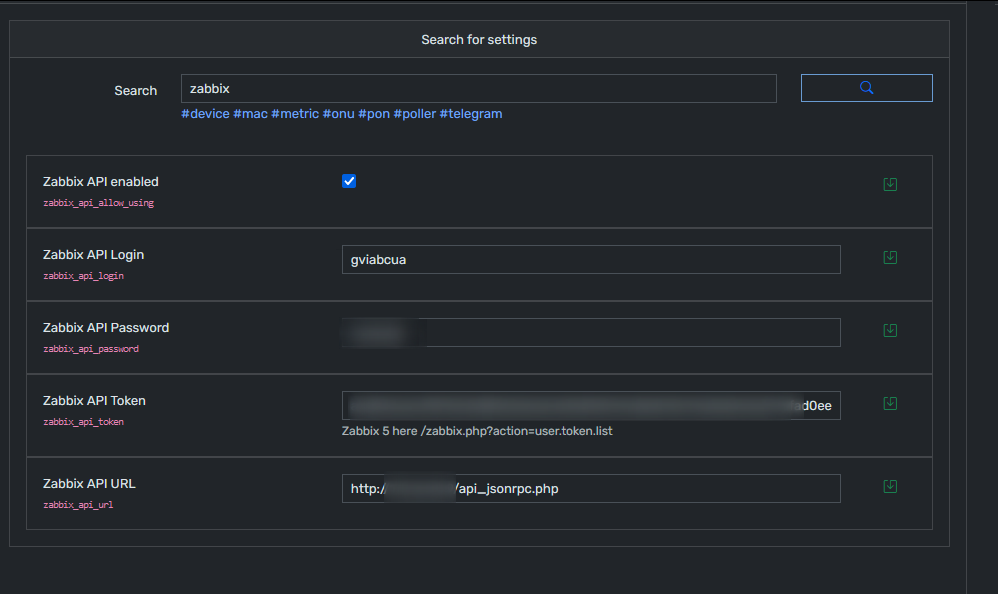
To enable support go to Zabbix section on Grusher (IP/system/config?option_type=search_param&search_data=zabbix) and set up Zabbix API token. If no token - use login and pass.
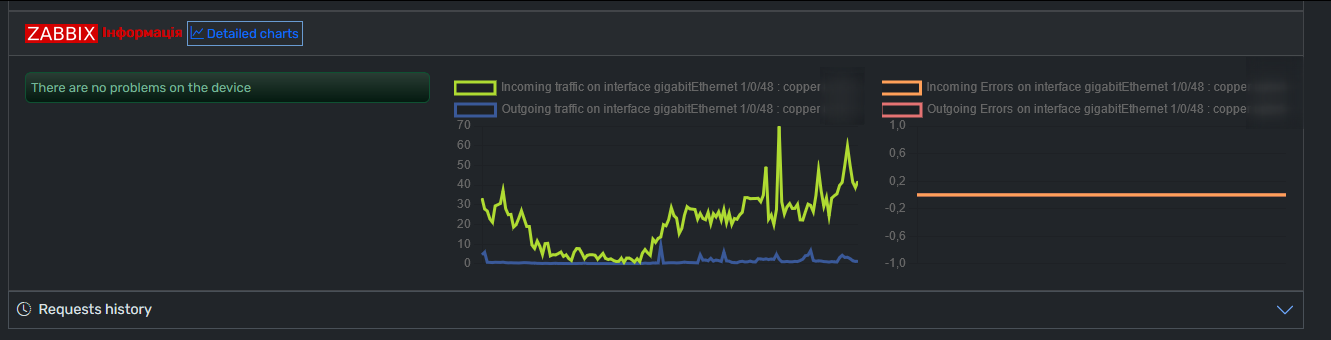
After success setting you can see information in device card
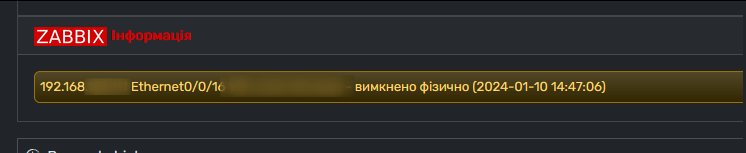

On Ethernet port card
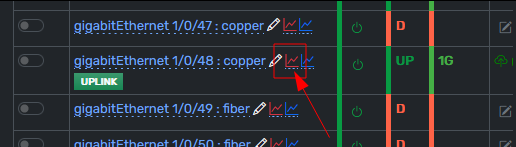
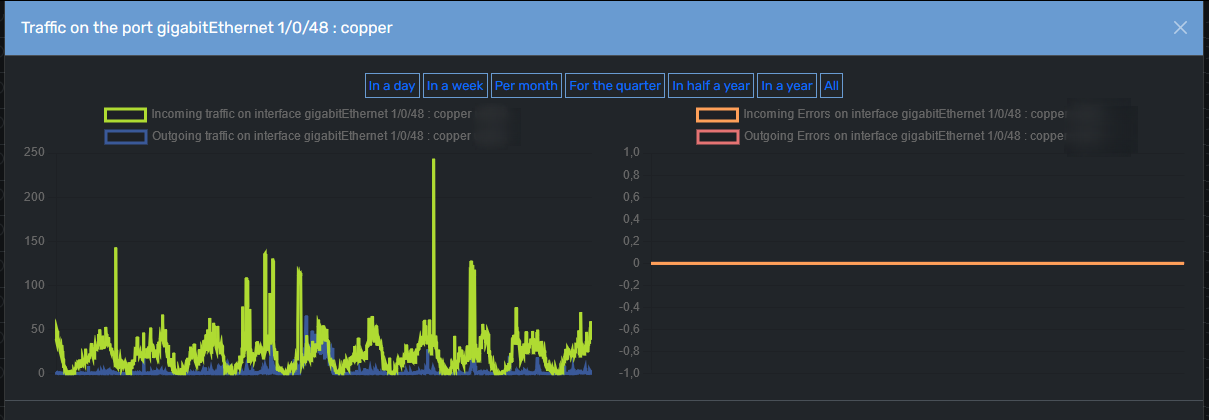
Or via port by pressing red chart
From build 287 you can change value of default item name on .env file
sudo nano /var/www/html/.envAdd you item value to search via API
ZABBIX_IN_TR_DESCR = 'incoming traffic on interface'
ZABBIX_OUT_TR_DESCR = 'outgoing traffic on interface'
ZABBIX_IN_ERR_DESCR = 'incoming errors on interface'
ZABBIX_OUT_ERR_DESCR = 'outgoing errors on interface'
ZABBIX_PORT_TEMPLATE = '*%PORT%'
ZABBIX_PORT_TEMPLATE examples
'*%PORT%' - any data before port
'*%PORT% ' - any data before port and space after
'* %PORT% *' - any data + space + port + space + any data
No comments to display
No comments to display