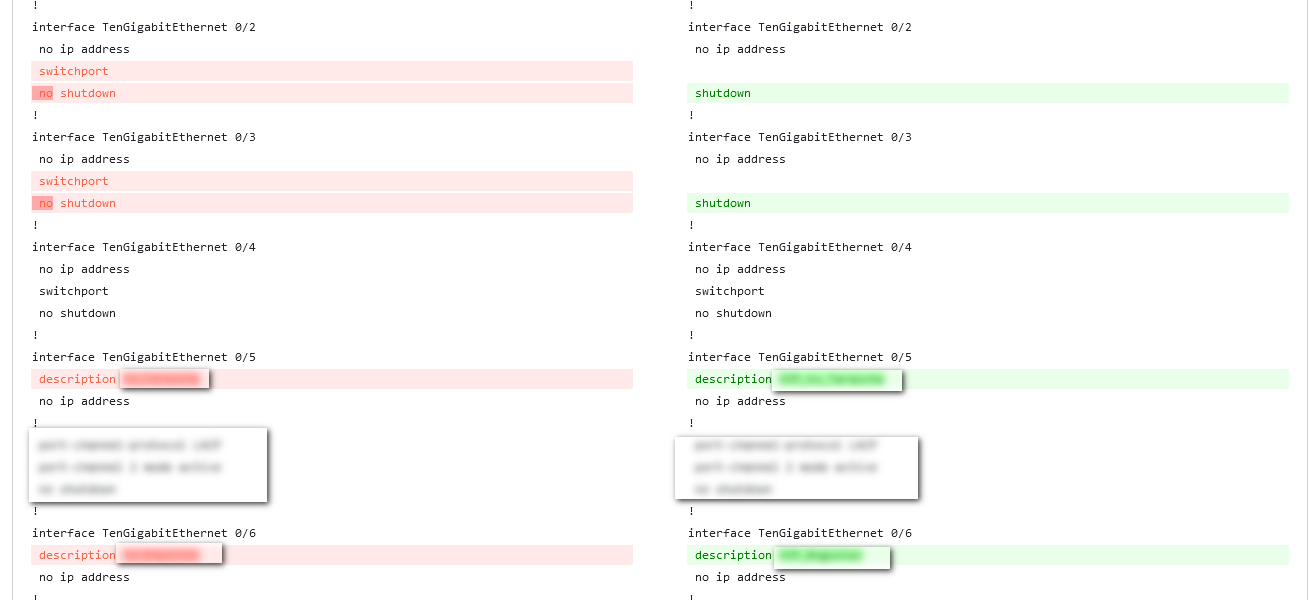
Device backup
Configuring server
Before use you need to install and configure FTP (proftpd recomended) and TFTP (tftpd recomended) server. We DO NOT recomend to use vsftpd!
# installing proftpd server
sudo apt-get install proftpd
# enabling and starting proftpd server
sudo systemctl start proftpd
sudo systemctl enable proftpd

# installing tftp server
sudo apt install tftpd-hpa
# enabling and starting proftpd server (variant 1)
sudo systemctl start tftpd
sudo systemctl enable tftpd
# I same case previous commands can be broken. Use next one
# enabling and starting proftpd server (variant 2)
sudo systemctl start tftpd-hpa
sudo systemctl enable tftpd-hpaThe root folder of both servers must be the same!
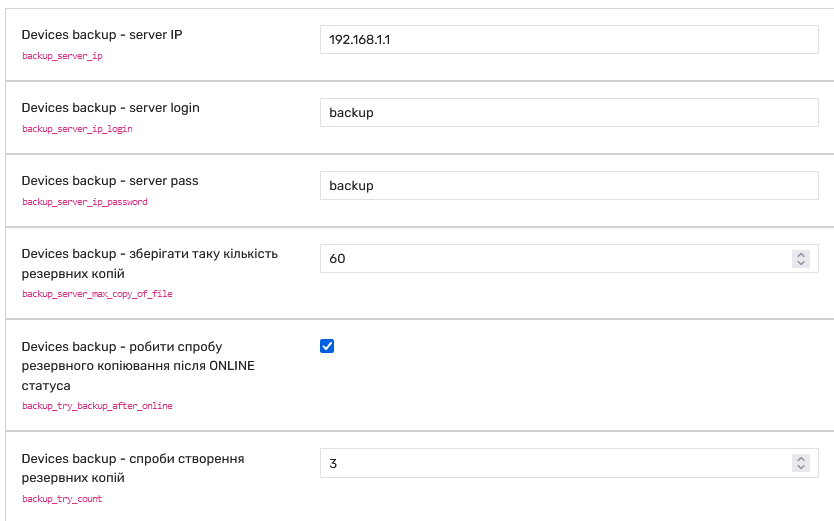
Next step set up backup server ip, login and password in Grusher settings.
Do backup
Default TFTPD config
sudo nano /etc/default/tftpd-hpa
TFTP_USERNAME="tftp"
TFTP_DIRECTORY="/home/sw_backup/backup"
TFTP_ADDRESS="0.0.0.0:69"
TFTP_OPTIONS="--secure --create"
Default ProFTPD config
# Use this to jail all users in their homes
DefaultRoot /home/sw_backup/backup
Setup in web
Write correct IP, login and passwords
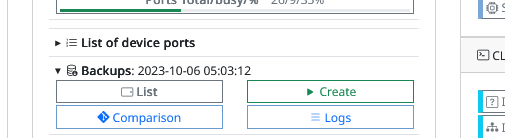
Main information about date of backup
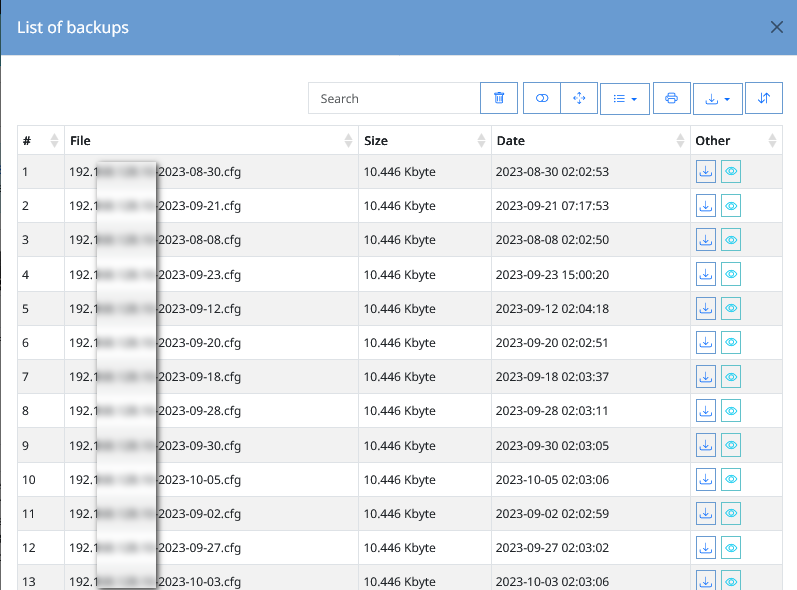
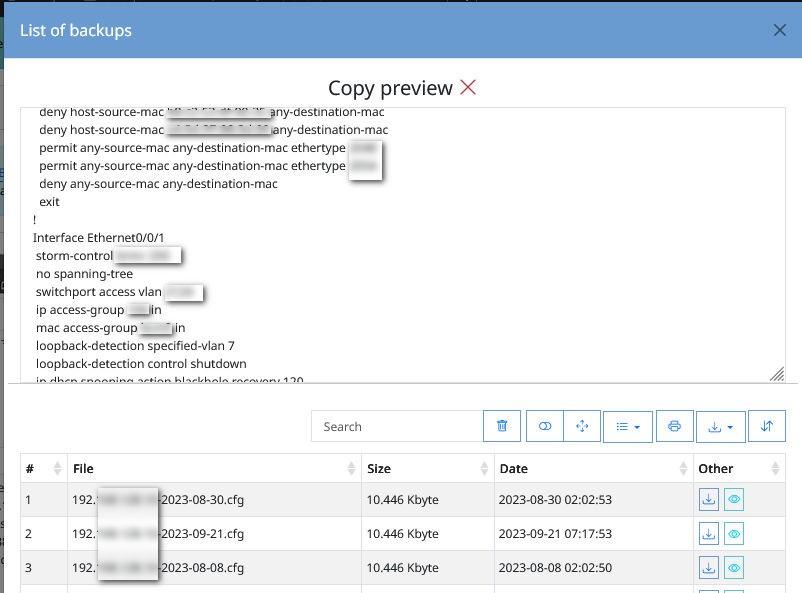
View backup list
Backup preview
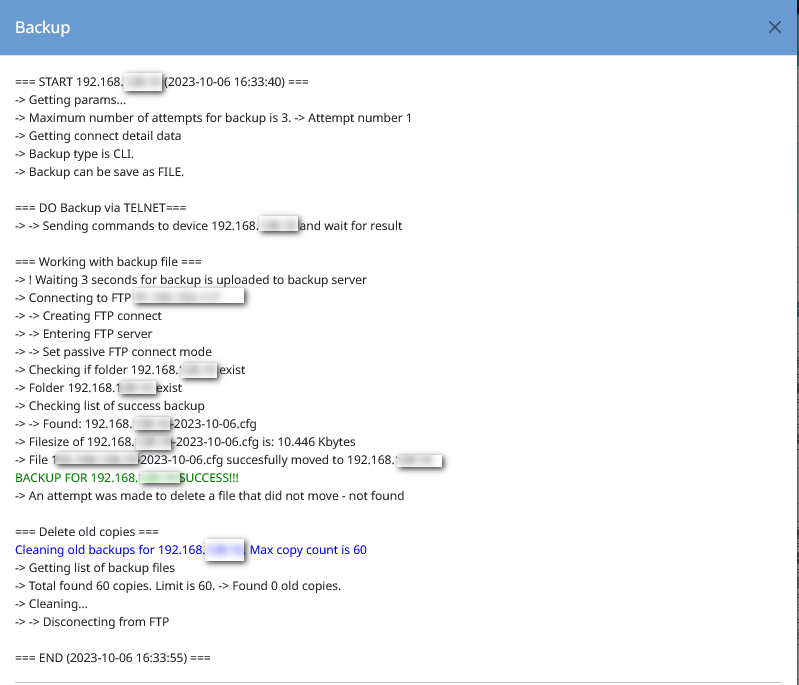
Log - creating backup
Diff backup files by one device