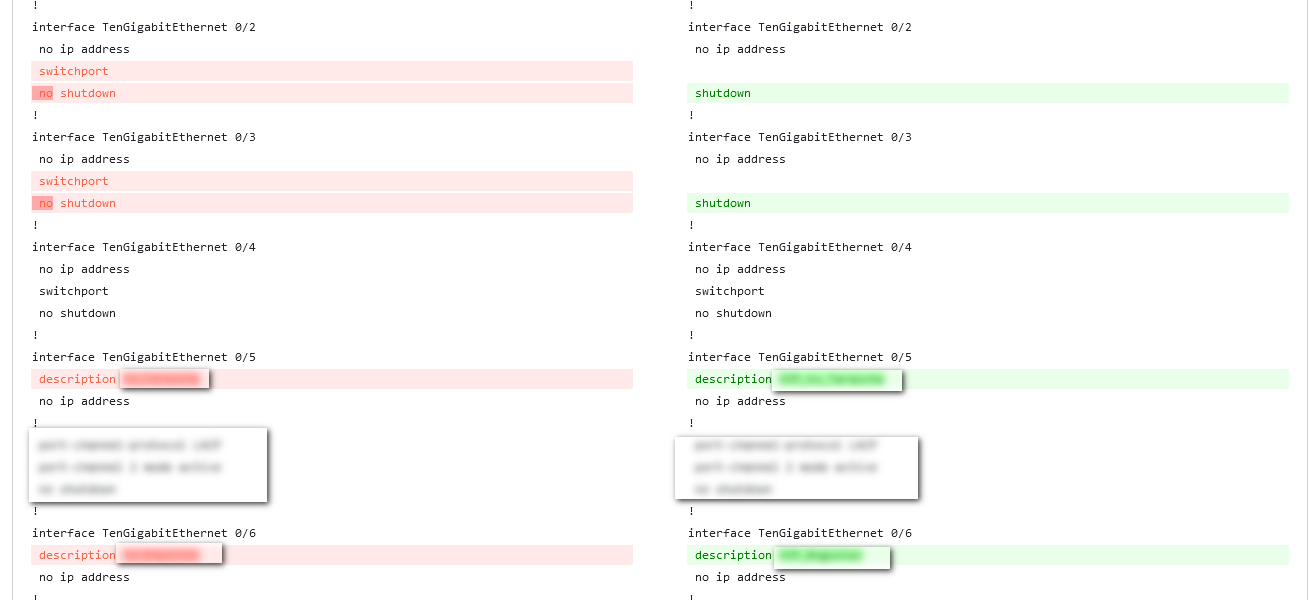
Device backup
Configuring server
Before use you need to install and configure FTP (proftpd recomended) and TFTP (tftpd recomended) server. We DO NOT recomend to use vsftpd!
sudo apt-get install proftpd
sudo systemctl start proftpd
sudo systemctl enable proftpd

sudo apt install tftpd-hpa
sudo systemctl start tftpd
sudo systemctl enable tftpdThe root folder of both servers must be the same!
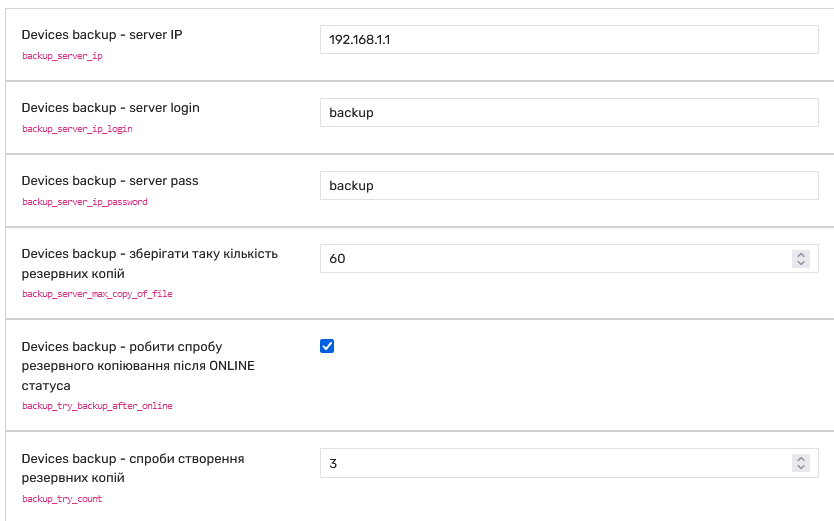
Next step set up backup server ip, login and password in Grusher settings.
Do backup
Default TFTPD config
sudo nano /etc/default/tftpd-hpa
TFTP_USERNAME="tftp"
TFTP_DIRECTORY="/home/sw_backup/backup"
TFTP_ADDRESS="0.0.0.0:69"
TFTP_OPTIONS="--secure --create"
Default ProFTPD config
# Use this to jail all users in their homes
DefaultRoot /home/sw_backup/backup
Setup in web
Write correct IP, login and passwords
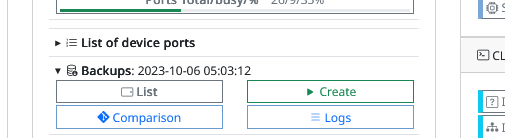
Main information about date of backup
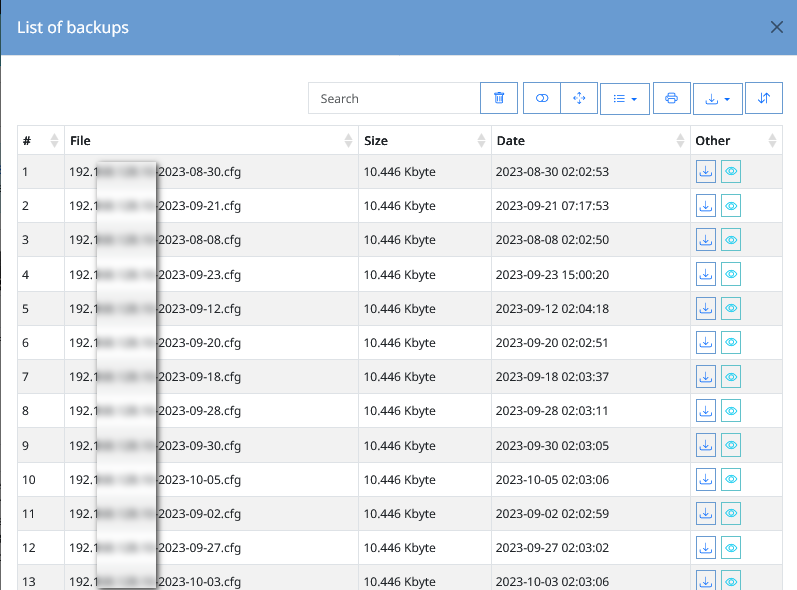
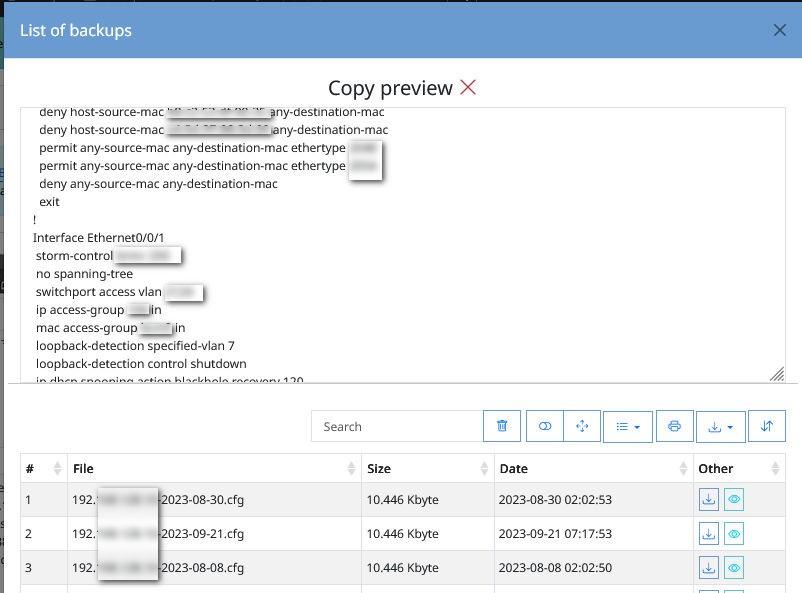
View backup list
Backup preview
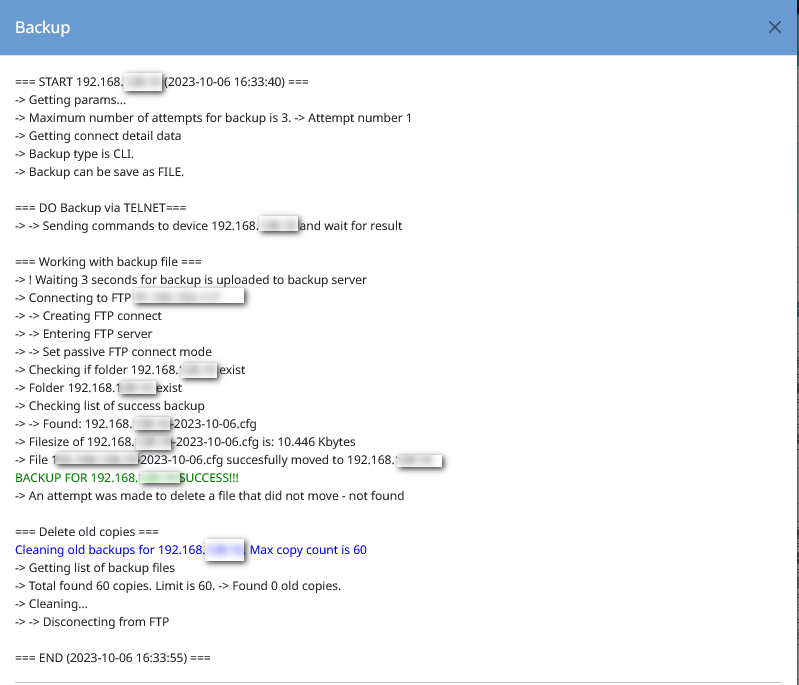
Log - creating backup
Diff backup files by one device