AI (artificial intelligence)
Starting with build_340, Grusher supports data processing with artificial intelligence.
Now supported such AI
- Google Gemini
- Gemini 1.5 Flash (
gemini-1.5-flash) - Gemini 1.5 Pro (
gemini-1.5-pro) - Gemini Pro stable (
gemini-pro)
- Gemini 1.5 Flash (
- OpenAI - provided, but will be implemented upon request
- GPT4All - provided, but will be implemented upon request
Default AI is Google Gemini (gemini-1.5-flash)
You transmit data to artificial intelligence systems at your own risk. The "Grusher" project teams bears no responsibility. You are solely responsible for the data that was sent.
Also you can create your personal prompts
Setting API key
Get API key here https://aistudio.google.com/apikey and write it in .env file
GOOGLE_AI_KEY = "YourGoogleApiKeyHere"To change model, write it in in .env file (optional)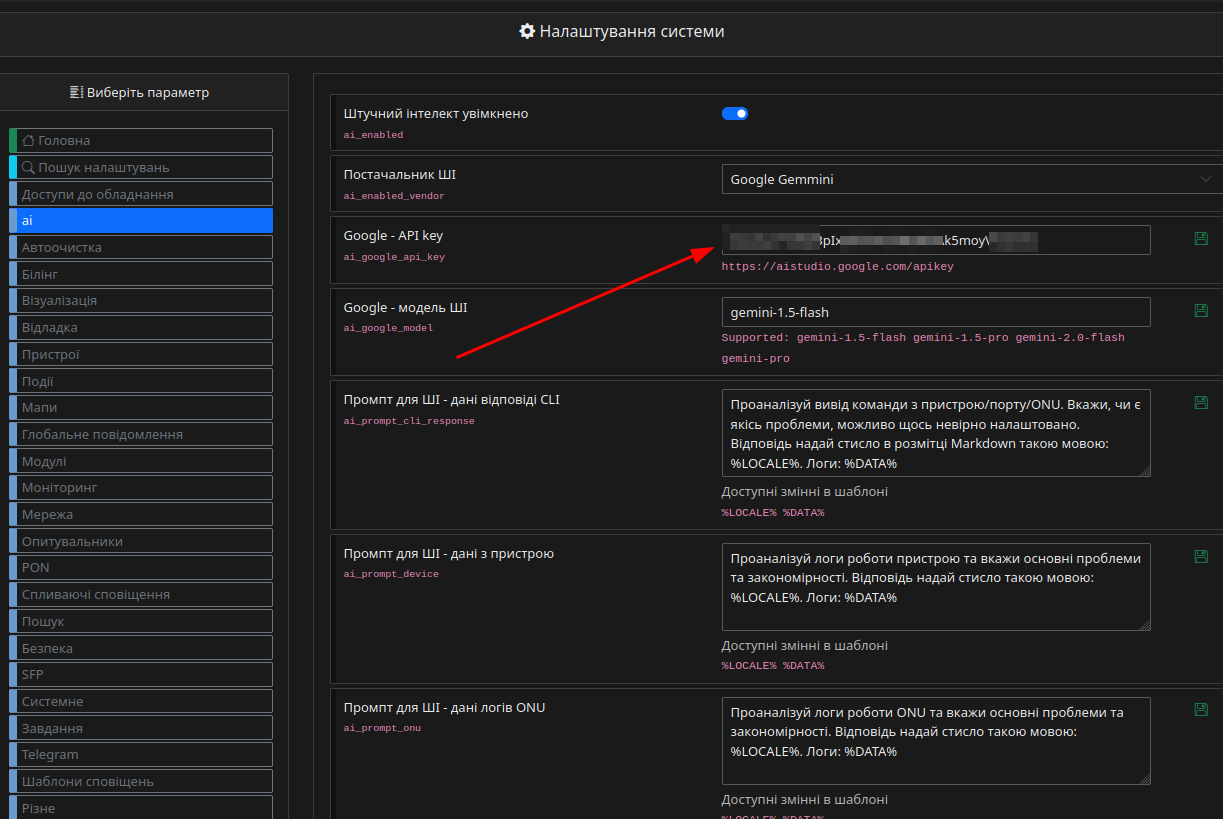
GOOGLE_AI_MODEL = "gemini-1.5-flash"SysLOGs analyser
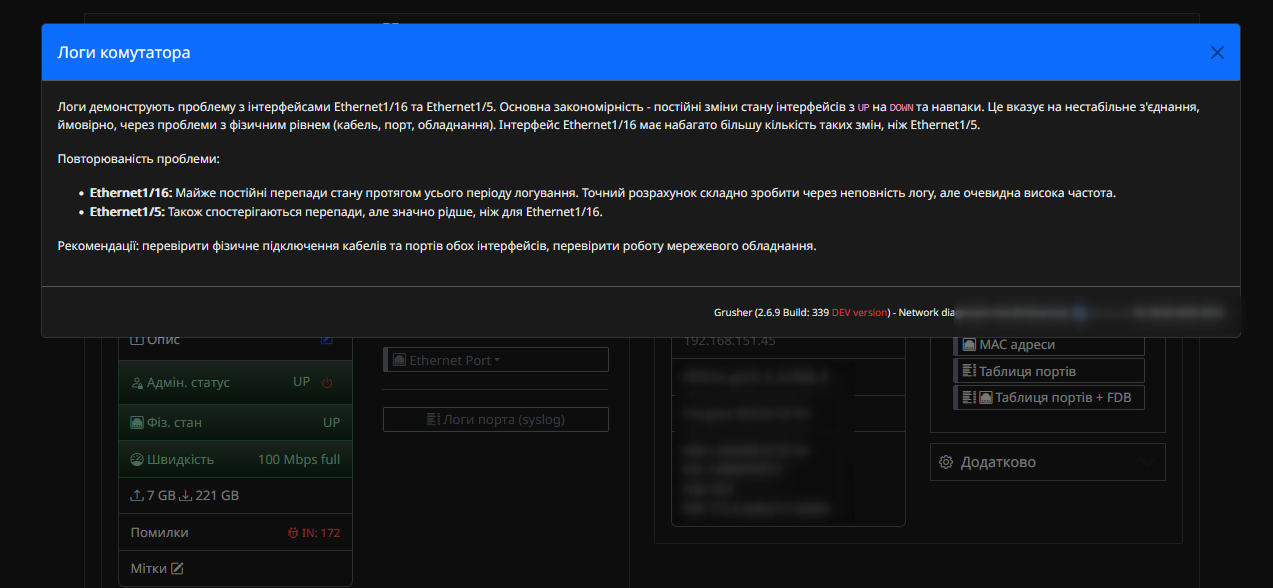
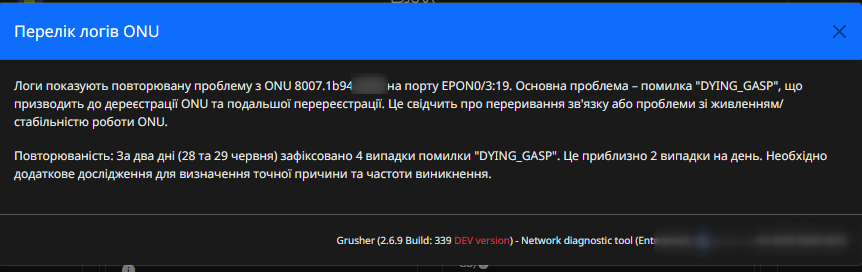
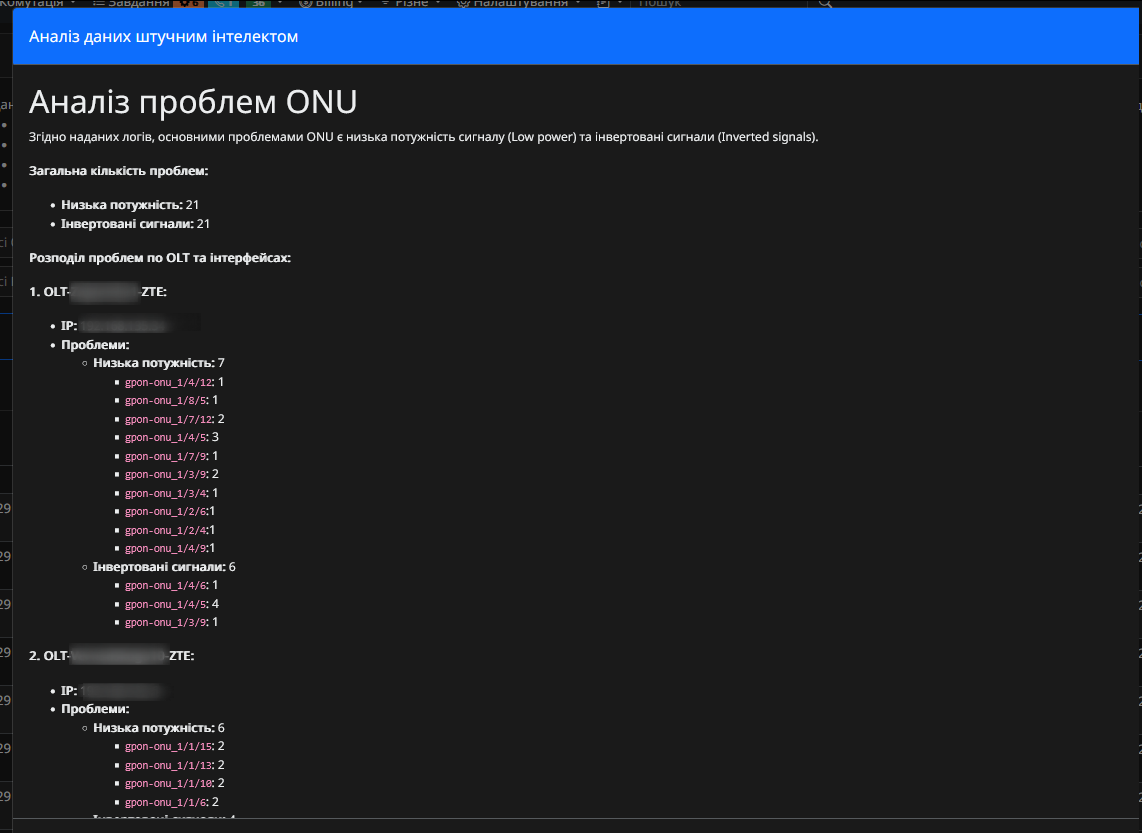
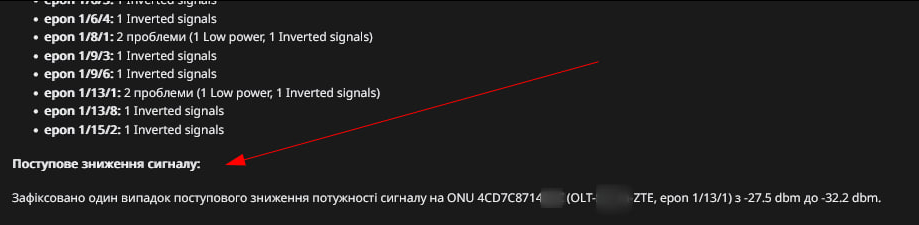
It is possible to analyze logs of equipment and ONU. The answer is provided in the user's language.
ONU degradation LOGs
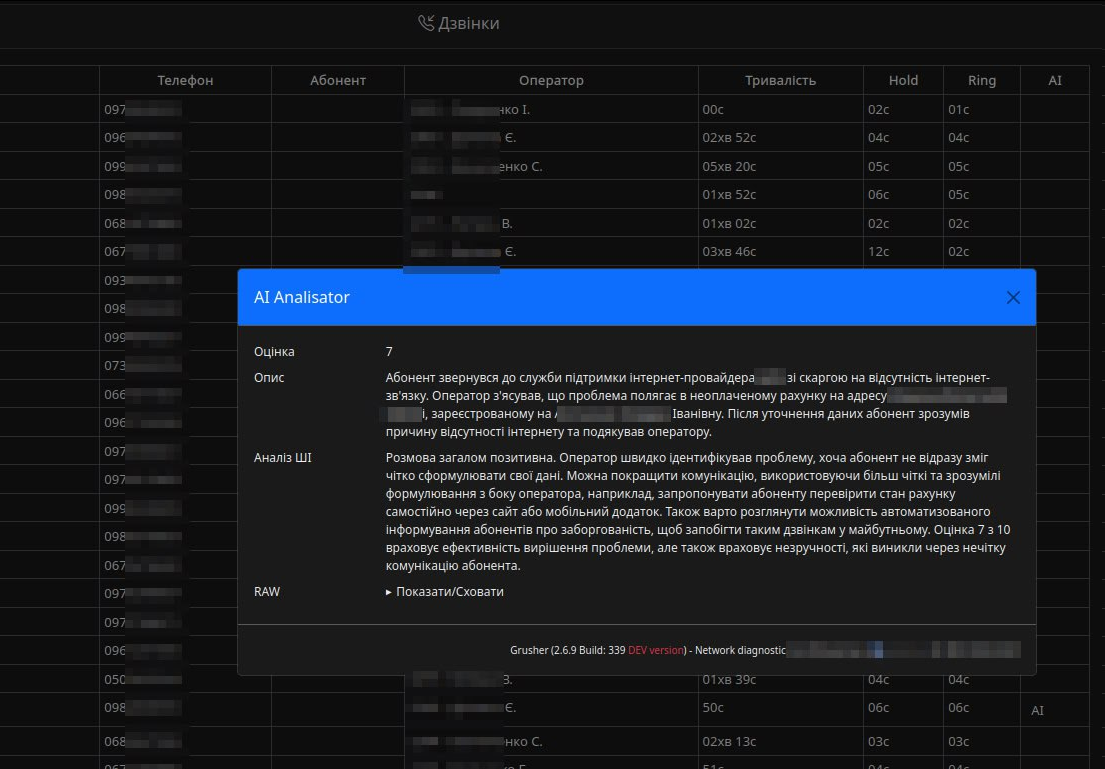
Call processing
In the Billing/Calls module, if there is a link to a file, there is an option to process calls from customers. Audio recordings are analyzed. The results are recorded in a table.