AI
Starting with build_340, Grusher supports data processing with artificial intelligence.
Now supported such AI
- Google Gemini
- Gemini 1.5 Flash (
gemini-1.5-flash) - Gemini 1.5 Pro (
gemini-1.5-pro) - Gemini Pro stable (
gemini-pro)
- Gemini 1.5 Flash (
- OpenAI - provided, but will be implemented upon request
- GPT4All - provided, but will be implemented upon request
Default AI is Google Gemini (gemini-1.5-flash)
Setting API key
Get API key here https://aistudio.google.com/apikey and write it in .env file
GOOGLE_AI_KEY = "YourGoogleApiKeyHere"To change model, write it in in .env file (optional)
GOOGLE_AI_MODEL = "gemini-1.5-flash"SysLOGs analyser
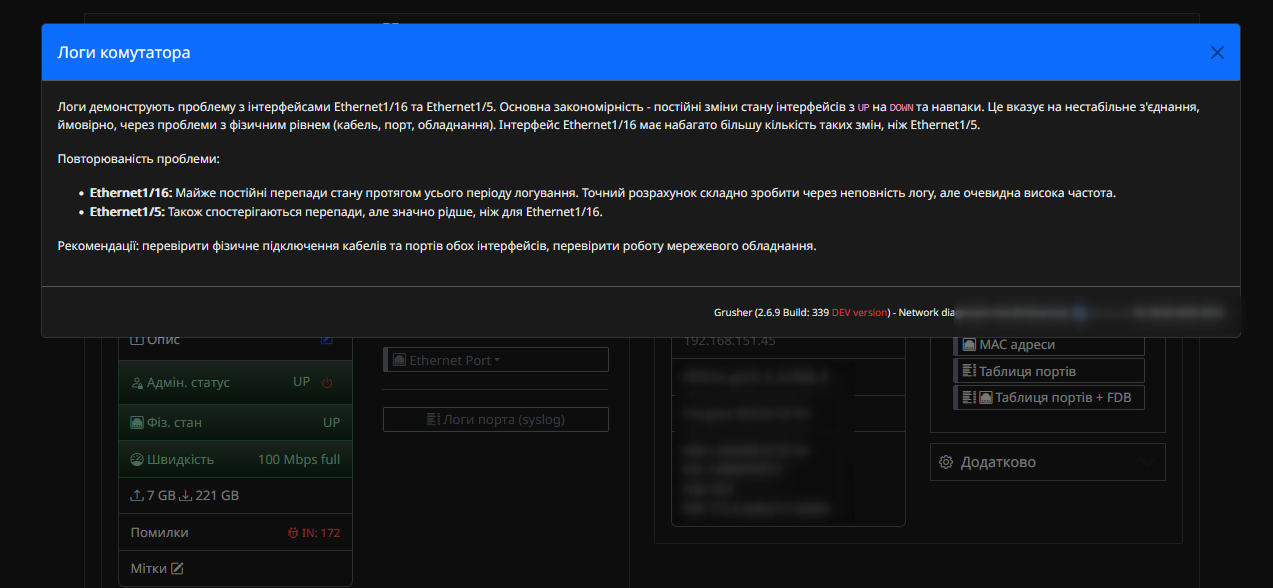
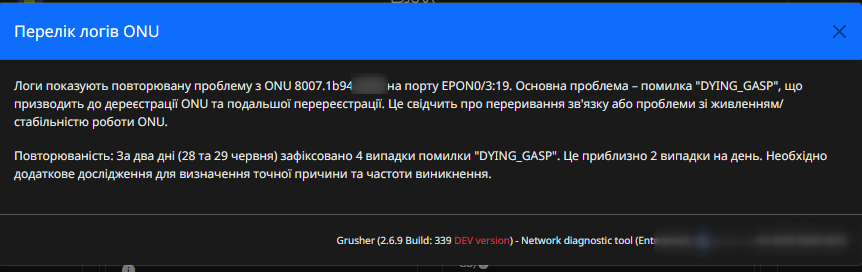
It is possible to analyze logs of equipment and ONU. The answer is provided in the user's language.
Call processing
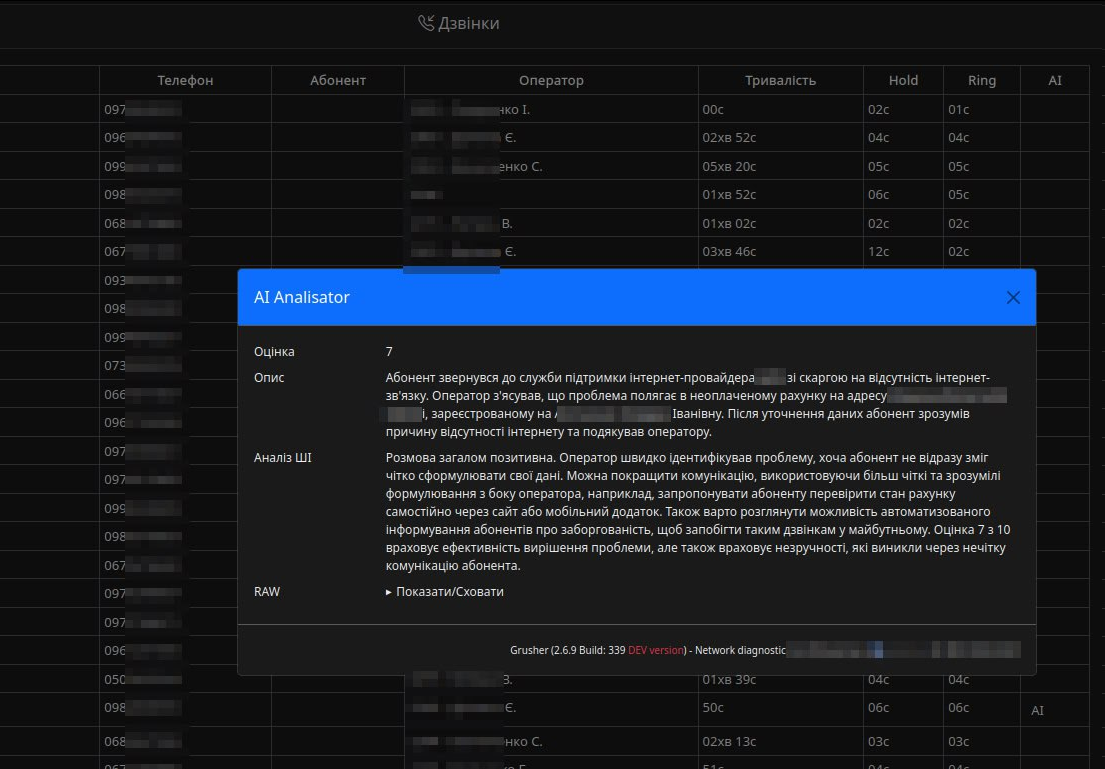
In the Billing/Calls module, if there is a link to a file, there is an option to process calls from customers. Audio recordings are analyzed. The results are recorded in a table.